In this tutorial, we will see how to convert a char to string with the help of examples.
There are two ways you can do char to String conversion –
1. Using String.valueOf(char ch) method
2. Using Character.toString(char ch) method
Java char to String example using String.valueOf(char ch)
We can use the valueOf(char ch) method of String class to convert a passed char ch to a String. This method accepts char as an argument and returns the string equivalent of the argument.
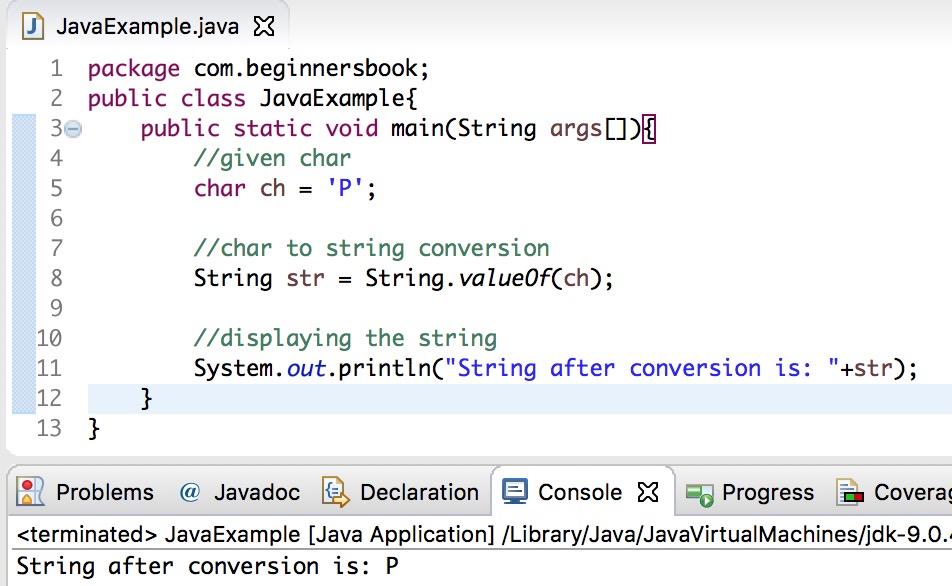
In the following example we have a char ch with the value 'P' and we are converting this to a String str using the String.valueOf() method. The value of the String after conversion is "P".
public class JavaExample{
    public static void main(String args[]){
	//given char
	char ch = 'P';

	//char to string conversion
	String str = String.valueOf(ch);

	//displaying the string
	System.out.println("String after conversion is: "+str);
   }
}
Output:
Java char to String conversion using Character.toString(char ch)
We can also use the toString(char ch) method of Character class to convert the passed char ch to a String. Similar to String.valueOf(char ch) method, this method also accepts char as a parameter and returns an equivalent String.
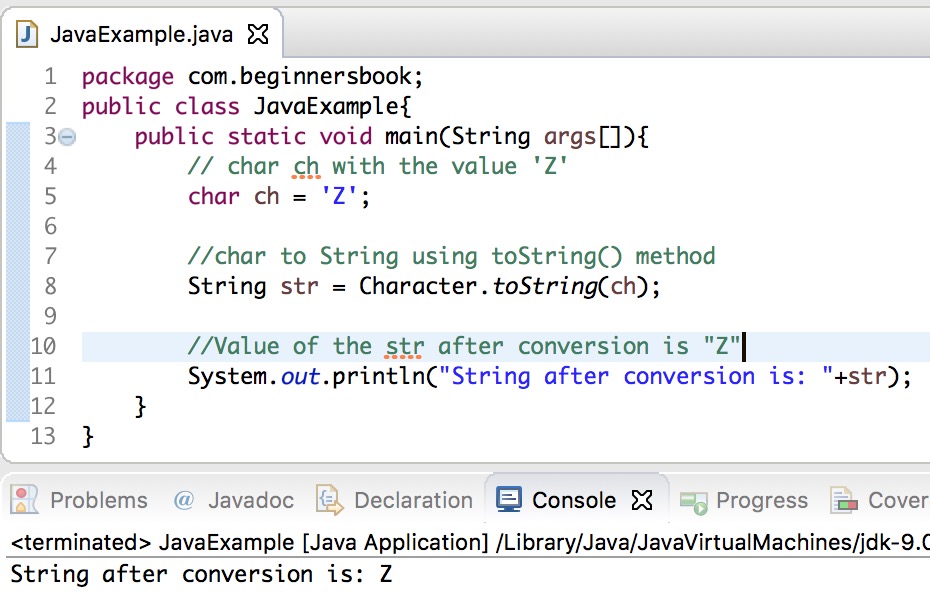
In the following example we are converting a char to String using Character.toString(char ch) method.
public class JavaExample{
   public static void main(String args[]){
	// char ch with the value 'Z'
	char ch = 'Z';

	//char to String using toString() method
	String str = Character.toString(ch);

	//Value of the str after conversion is "Z"
	System.out.println("String after conversion is: "+str);
   }
}
Output:
Leave a Reply